Our Framer Website Services
Framer services for founders, marketers and in-house teams who want a fast, SEO-ready site built right.
We design and ship custom websites, reusable components and editorial plugins—and we run safe migrations from WordPress or Webflow. Browse the options below to see what’s included, or book a quick scoping call and we’ll map scope, timelines and fit.
Explore our Framer Website Services
Short guides and no‑fluff videos that show exactly how to structure pages, wire up CMS, and publish with confidence. Learn just enough to get live.

Why choose us for your Framer website project
Get a Framer site that’s fast, SEO-ready and simple to edit.
We pair a tokenised design system with clean CMS mapping, a performance budget tied to Core Web Vitals, and WCAG-aligned components. You get correct SEO foundations, a tested redirect plan for migrations, analytics/consent configured, and a clean handover with editor training.
Site Speed
Performance budget, optimised media/fonts, trimmed JS
User Experience
Clear layouts, accessible components, predictable flows
Technical SEO
Titles, metas, canonicals, robots, XML sitemaps, JSON-LD
Safe Migrations
301 map, URL/content parity, staging validation

Custom Website Design
Ship a fast, on-brand Framer site that converts.
We design the system, pages and CMS so your team can publish without a developer while keeping performance and accessibility intact. Everything is assembled against a performance budget and tested on mid-range devices.
Design System Setup
Type, colour, spacing tokens; component library
CMS Mapping
Collections/fields aligned to your content model
Core Web Vitals
Budget set and measured through build
Accessibility
WCAG 2.2 checks and keyboard/screen-reader support
SEO Foundations
Titles, metas, OG, canonicals, indexing rules
Deliverable
Pages composed from reusable sections with docs


Custom Framer Components
Reusable components that keep your site consistent and fast.
We craft brand-safe sections—navs, heroes, cards, accordions—so editors can build new pages confidently. Each component ships with editor-friendly props, responsive states and baked-in accessibility.
Tokens & Theming
Automatic light/dark and colour variants
Dark Mode Ready
System-level theming, contrast checks
Editor Props
Clear controls for copy, media, layout and states
A11y Patterns
Focus order, ARIA where needed, trap-free modals
Documentation
Usage notes, do/don’t, versioning


Custom Framer Plugins
Purpose-built plugins that speed up publishing and integrate your tools.
When components aren’t enough, we extend Framer with editorial UIs and data workflows. Typical use cases include CMS read/write, content syncs, search, and clean analytics events.
CMS Read/Write
Safe editorial actions with role-aware UI
Content Sync
Pull or push from sources like Notion/Airtable
Search & Indexing
Site search with indexed collections
Analytics Events
Structured events for GA4/warehouse
Admin UX
Clear controls, guardrails and docs


Migrate your website to Framer
Move to Framer without losing rankings or content structure.
We plan the migration, map content 1:1, and switch during a low-traffic window. Redirects, metadata parity and structured data are validated on staging, then monitored post-launch.
301 Redirect Map
Preserve equity and important URLs
Content Parity
Pages, posts and media mapped to CMS
Structured Data
JSON-LD carried across where relevant
Low-Downtime
Prepared DNS and timed launch
Post Launch Check
Search Console, CWV and crawl passes


How our process works
Launch fast with a clear five‑step build.
We align goals and timelines, design a reusable system and CMS, build to performance and accessibility standards, QA on real devices, then cut over with redirects, analytics and editor training.
1) Discover
We clarify goals, scope, timelines, and success metrics. You leave with a simple scope doc, a draft site map, and a source‑of‑truth folder.
2) Design
We set design tokens, a component library, and page templates. We agree the CMS schema so collection fields match your content.
3) Build
We assemble pages, connect CMS data, and implement SEO foundations (titles, descriptions, Open Graph, canonicals, indexing rules). We set a performance budget tied to Core Web Vitals.
4) QA
We test accessibility (WCAG 2.2), responsive breakpoints, forms and events, and validate the redirect plan on a staging domain.
5) Launch & handover
We publish with the domain connected, ship the 301 map, configure consent and analytics, and record short editor videos. Post‑launch, we monitor Core Web Vitals via Search Console.
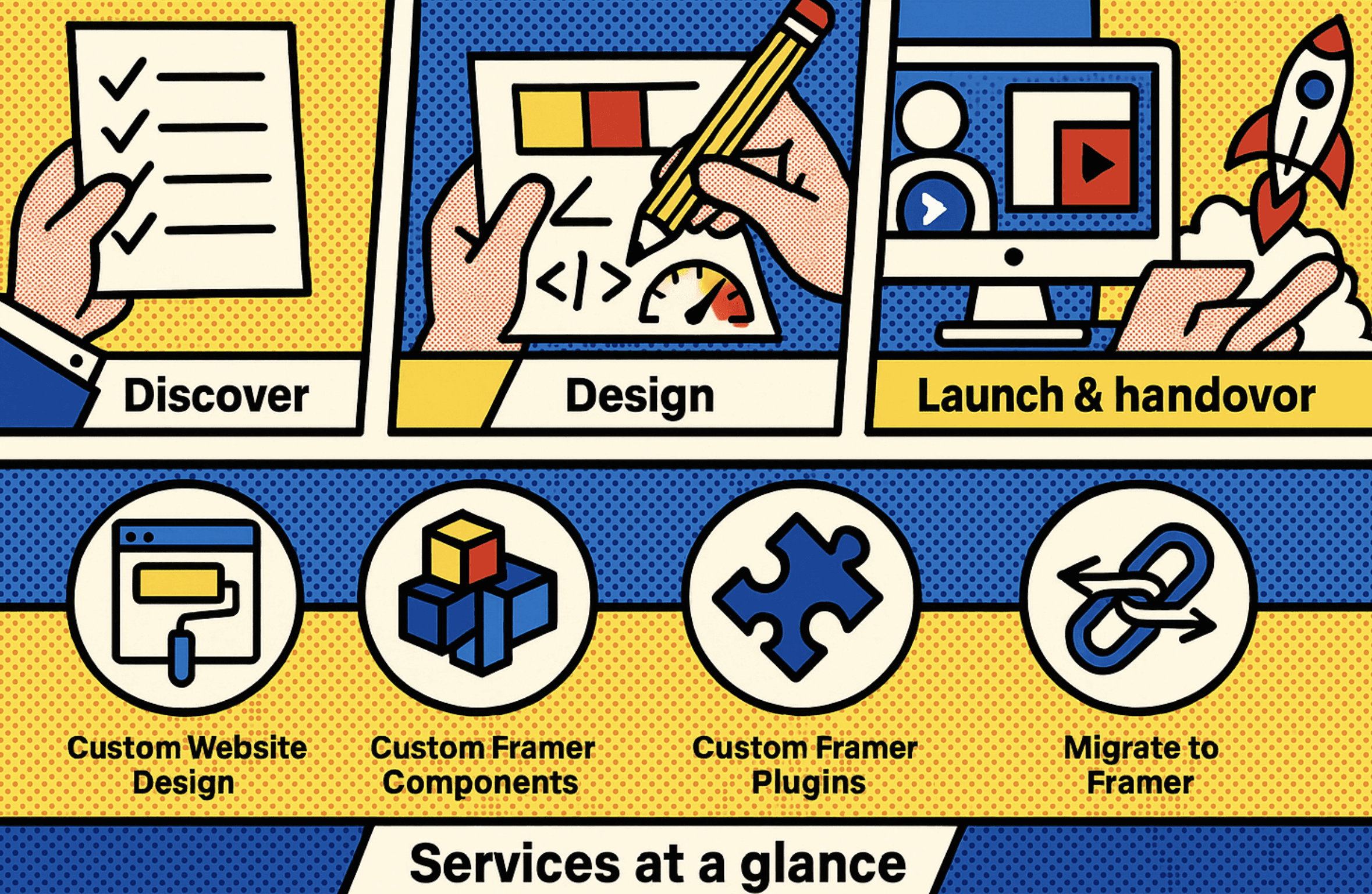
Services at a glance
Scan the options in seconds.
Use this overview to match your needs with the right service, then open the detailed page for packages and examples.
Custom Website Design |
Founders/marketers who need a high‑performing site fast |
Design system, CMS mapping, SEO foundations, JSON‑LD where relevant |
Custom Framer Components |
Teams that want reusable, brand‑safe sections |
Tokenised components, accessibility patterns, CMS bindings |
Custom Framer Plugins |
Editorial speed or integrations |
CMS read/write, UI for editors, data workflows |
Migrate to Framer |
WordPress/Webflow sites moving across |
Redirect plan, content mapping, SEO/parity checks |
Pricing & packages (transparent overview)
We price projects, not hours. Your proposal lists deliverables, checkpoints and a fixed fee.
Every build includes design system setup, CMS mapping, SEO foundations, accessibility QA and launch support.
Work we’re proud of (results & examples)


FAQs
Straight answers to the common questions—compatibility, custom tweaks, migrations and add‑ons. If you don’t see your question, drop me a line.
How long does a custom Framer site take?
Most marketing sites ship in 3–6 weeks depending on scope, approvals and content readiness. Larger builds with complex components or plugins run longer. We map timelines in the scoping call and confirm after Discovery.
Can you migrate our blog and keep rankings?
Yes. We map content to CMS collections, preserve important URLs, and ship a tested 301 redirect plan to maintain equity. We also carry across structured data and check metadata parity.
What’s the difference between a component and a plugin?
A component is a reusable design element (e.g., card grid) you place on pages; a plugin extends Framer with functionality (e.g., read/write to the CMS or an external integration).
Do you work with existing brand/design files?
Yes. We import or translate your styles and components into Framer tokens and a consistent system so editors can build safely.
Do you support ecommerce or third‑party integrations?
Yes. We connect forms/CRM, analytics, and selected third‑party tools; for ecommerce we advise on the best fit based on your stack and market.
How do you handle POPIA/GDPR consent and analytics?
We implement a consent banner that gathers opt‑in for non‑essential cookies and lets users change their decision. For EU/UK traffic we follow EDPB guidance (no pre‑ticked boxes; no “cookie walls” for consent).
What training and handover do we get?
You get concise editor videos, a CMS guide, and a punch‑list for routine updates. We include a short warranty window post‑launch.
Do you offer ongoing updates or retainers?
Yes — choose a retainer for monthly improvements or book ad‑hoc update bundles tied to a mini‑scope.
What does migration downtime look like?
Usually minutes. We prepare DNS in advance and switch during low‑traffic windows; the redirect map is active on launch.
Get new freebies & launch tips
Join for one practical email now and then—free components, template updates and quick wins. You’ll also get 10% off your first template.
By subscribing you agree to receive emails. Unsubscribe any time.
Framer templates and resources built for speed, flexibility, and modern brands.
Created by Romanos Boraine
© Copyright 2025. cheapframertemplates.com